Rewriting and editing text with VIGPT
Shorten, clarify, change tone, fix mistakes, and translate. With example prompts, this guide shows how to take a piece of text you already have and shape it into what you want in VIGPT.
 VIGPT Team4 min read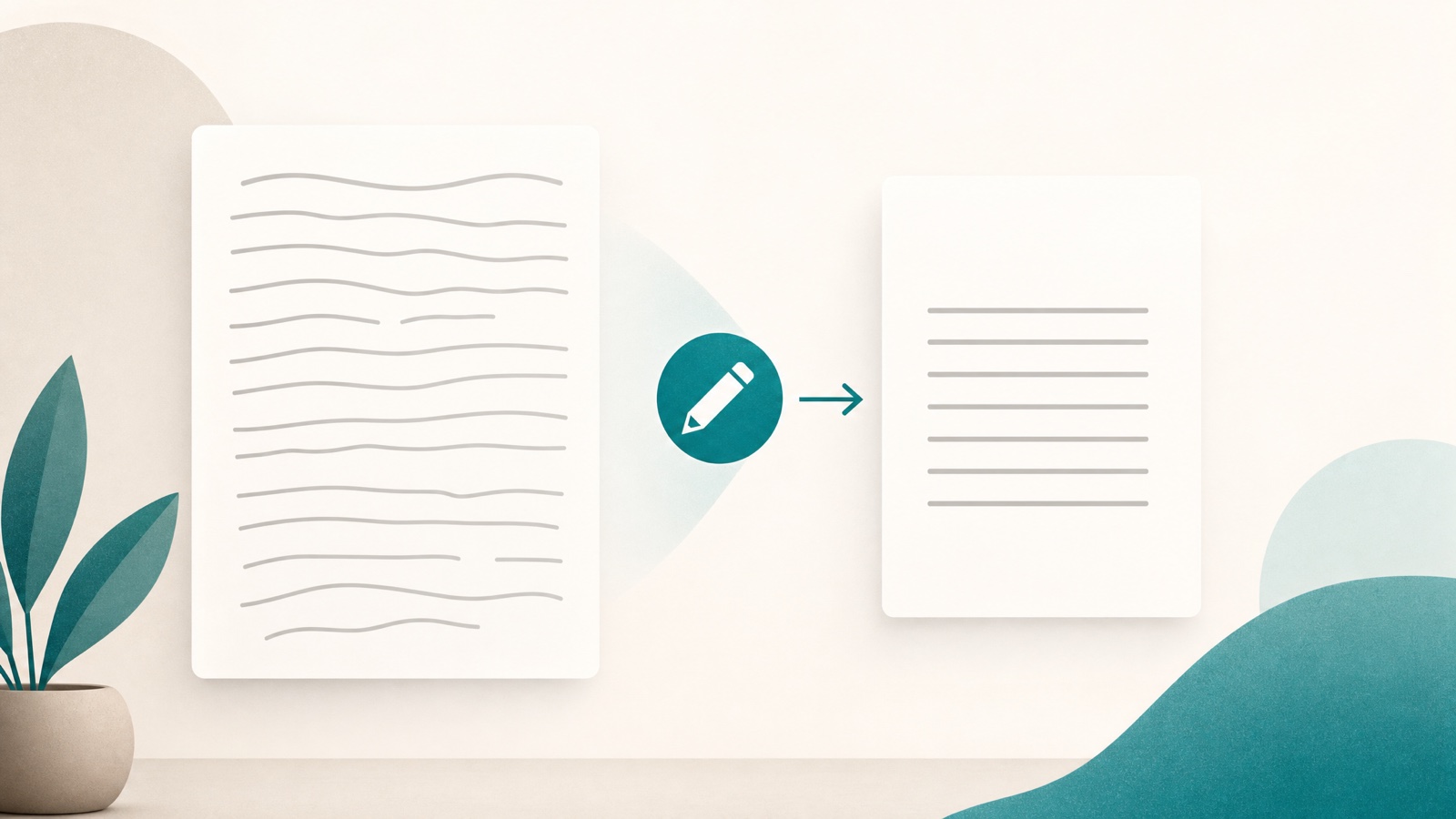
On this page
Writing the first version usually isn't the hardest part; the hardest part is making that same text shorter, clearer, or more formal. An email that's run a little long, a paragraph you have to read twice to catch your own meaning, or a Persian text that needs to go out in English.
VIGPT is good at exactly this — not writing from scratch, but taking the text you have and shaping it into what you want. Below are five common jobs, each with example prompts.
How to hand over the text
Paste the text straight into the message bar and say what to do with it. For an email or a few paragraphs, that's enough. If the text is inside a file — a PDF, say — you can attach it with the add photo and file button and work on that.
The thing that decides how good the result is: say what should stay and what should change. "Make it better" gets a vague answer; "make it shorter but keep the formal tone" gets one you can use.
Shortening
For when the text says the right thing but is too long. Instead of "summarize it" — which might drop points — say how short, and at what cost:
- "Cut this text in half, without losing any of the main points."
- "Rewrite this email in three sentences."
- "Tighten this paragraph; remove the extra and repetitive sentences."
If you have a specific number or limit in mind — a message that needs to stay under 200 words — say so.
Clarifying
Sometimes the problem isn't length, it's complexity. The text is correct but the reader has to go through it twice. Here, say who the audience is:
- "Rewrite this paragraph more simply, so it's clear even for someone new to the topic."
- "Rewrite this technical explanation so a non-technical manager understands it."
- "Break this long sentence into a few shorter ones."
The more you say who the text is for and where it'll be used, the more precise the result.
Changing tone
One text needs different tones depending on the recipient. The same sentences can be said more formally or more casually:
- "Make this message more formal and polite, suitable for a work email."
- "Write this more casually and shorter, as if I'm writing to a close colleague."
- "Make this reply more assertive, without sounding harsh."
If you want, you can ask for several versions in a row and choose between them: "write one formal and one casual version of this text."
Fixing mistakes
To catch spelling and grammar mistakes, the important thing is to set the boundary of the job — otherwise it might rewrite the whole thing:
- "Fix only the spelling and grammar in this text and leave the rest untouched."
- "Fix the punctuation in this text."
- "Edit this text, and alongside it, briefly say what you changed."
That last one is useful: when you can see what changed, you review faster, and if you don't like a change, you can put it back.
Translating
Persian and English are both first-class languages in VIGPT, not second-hand translations. For translation, instead of word-for-word, say the result should read naturally:
- "Translate this into fluent, natural English, not word-for-word."
- "Translate this English email into formal Persian."
- "Translate this into English and keep its formal, professional tone."
If there's a term or a proper name that shouldn't be translated, say so too, so it stays as is.
Let Auto pick the model
For these jobs, you don't need to pick the model yourself. Stay on Auto so each message goes to the right model; a simple rewrite goes to a fast model, and a harder text to a stronger one.
Two more things can help:
- If you don't like the result, say right there what to change — no need to start over. The conversation and the attached text are kept.
- If you want to see how a text turns out in the hands of a few models, you can run the same request across different models and put the answers side by side.
Read any text you get back once, yourself. The model doesn't know things you haven't told it; while shortening, it might play down an important point, or while changing tone, shift a meaning slightly. The final text is the one you approve.
In short
Paste the text, say what should stay and what should change, and stay on Auto. The difference between "make it better" and "make it shorter but keep the formal tone" is the difference between a guess and a precise edit.
Related posts
- Guides
Seven simple principles for better prompts
The quality of an answer usually tracks the quality of the request. These seven simple habits make your prompts in VIGPT sharper — and the results closer to something you can actually use.
4 min read - Guides
Summarize a long PDF before your meeting
A forty-page report and twenty minutes to spare. Here's how to attach a PDF in VIGPT, what to ask, and the limits worth knowing before you start.
3 min read - Guides
The complete newcomer's guide to VIGPT
New to VIGPT? This guide takes you from signing in to your first useful tasks in a few minutes — plain, no jargon.
2 min read