
Product VIGPT Team2 min read
How Auto picks the right model
Auto chooses the AI model for you on every message. Here's how it decides which one to use.
VIGPT Team2 min readNews, studies, lectures, and practical guides on AI.
Auto chooses the AI model for you on every message. Here's how it decides which one to use.
VIGPT Team2 min read
New to VIGPT? This guide takes you from signing in to your first useful tasks in a few minutes — plain, no jargon.
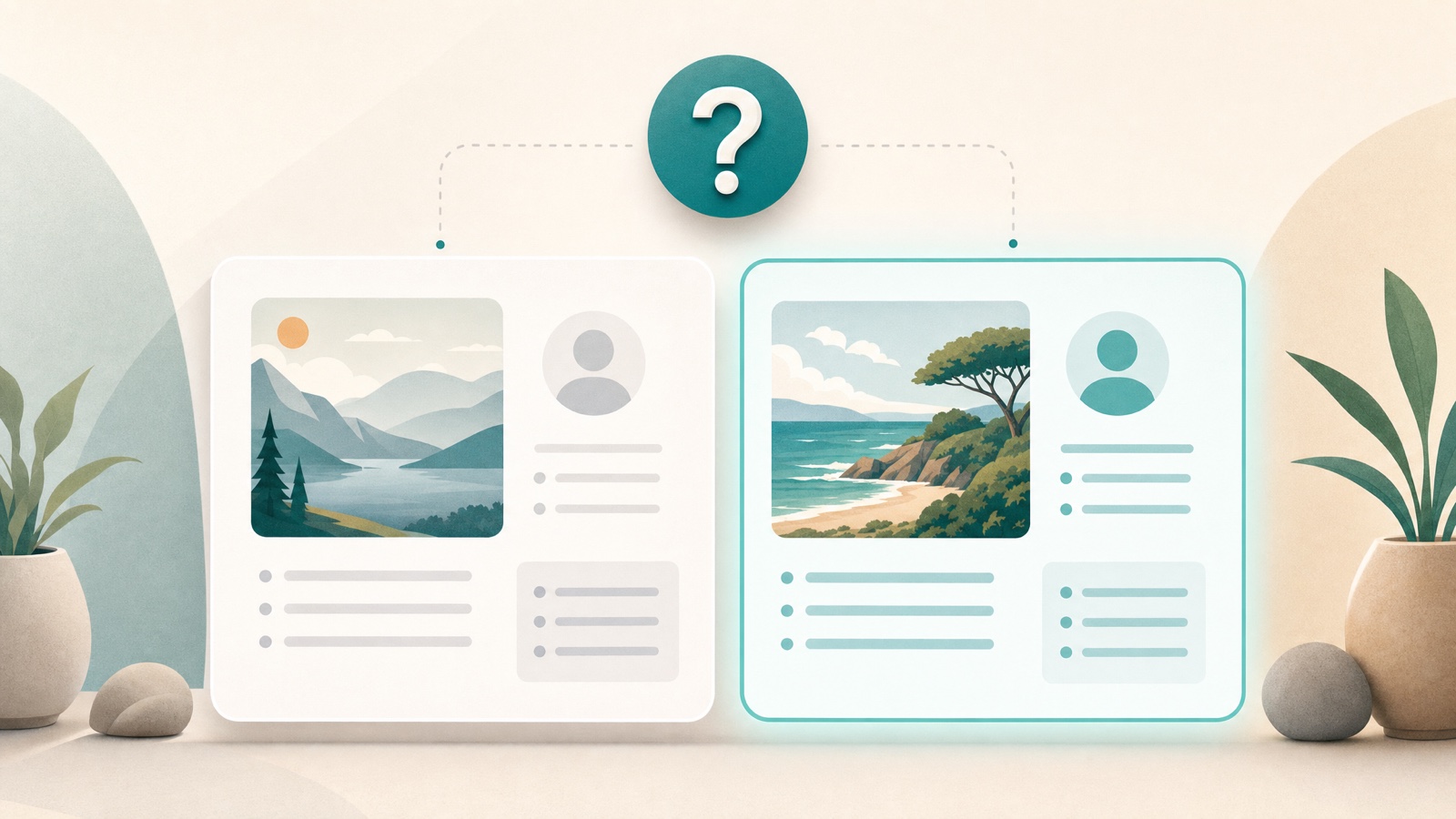
Most of the time, Auto's pick is the answer. But for judgment calls and high-stakes work, it's worth putting the same question to a few models. Here's when that pays off and how to do it.
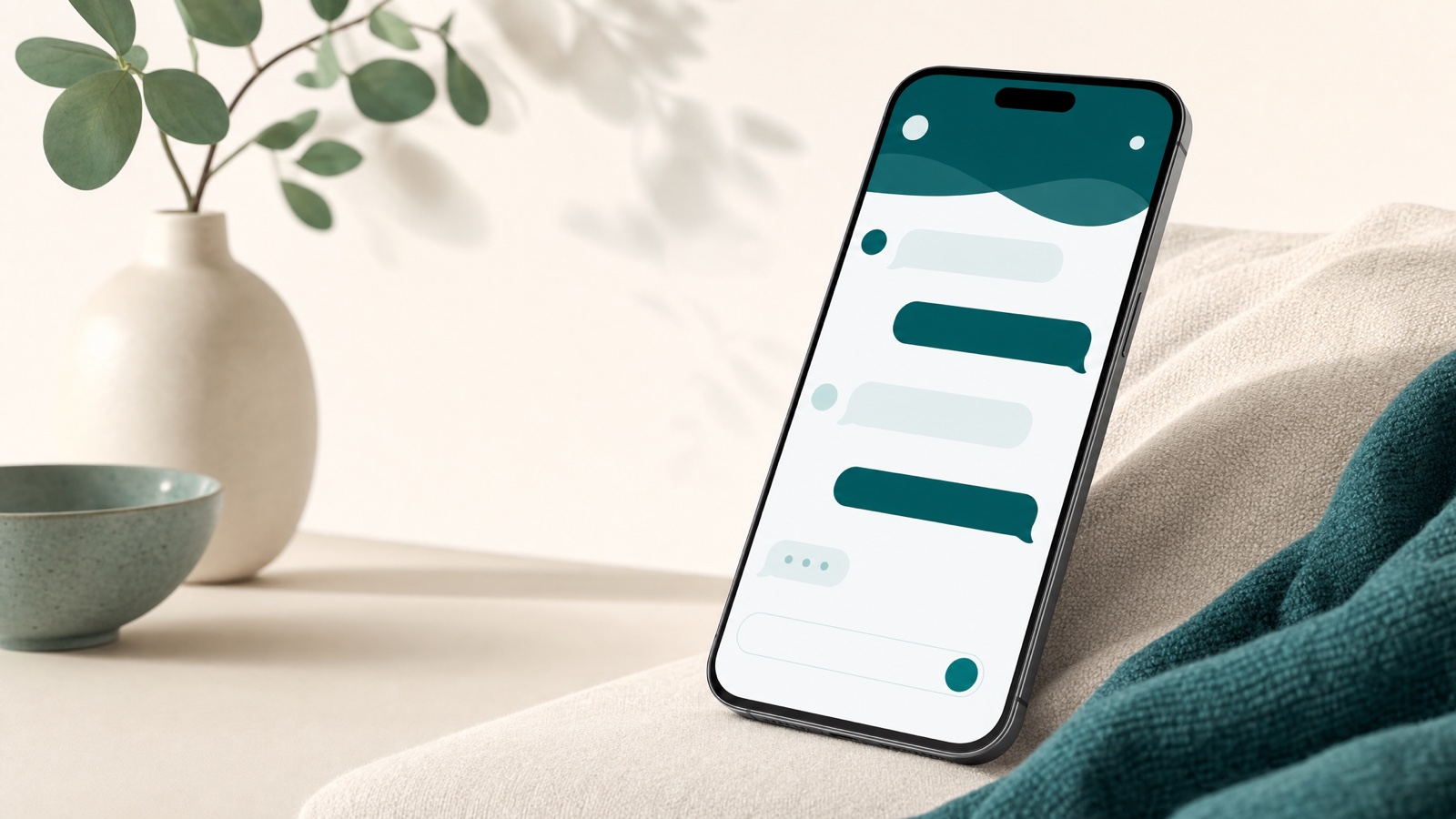
The VIGPT Android app is here — install it directly from the site or from Myket. This guide covers installing, signing in with your phone and an SMS code, and using the same account and plan as the web.

Video generation in VIGPT is a Pro and Max feature. This guide shows how to switch to video mode, what to write, how to pick the aspect ratio and duration, and how to get the result, which arrives asynchronously.
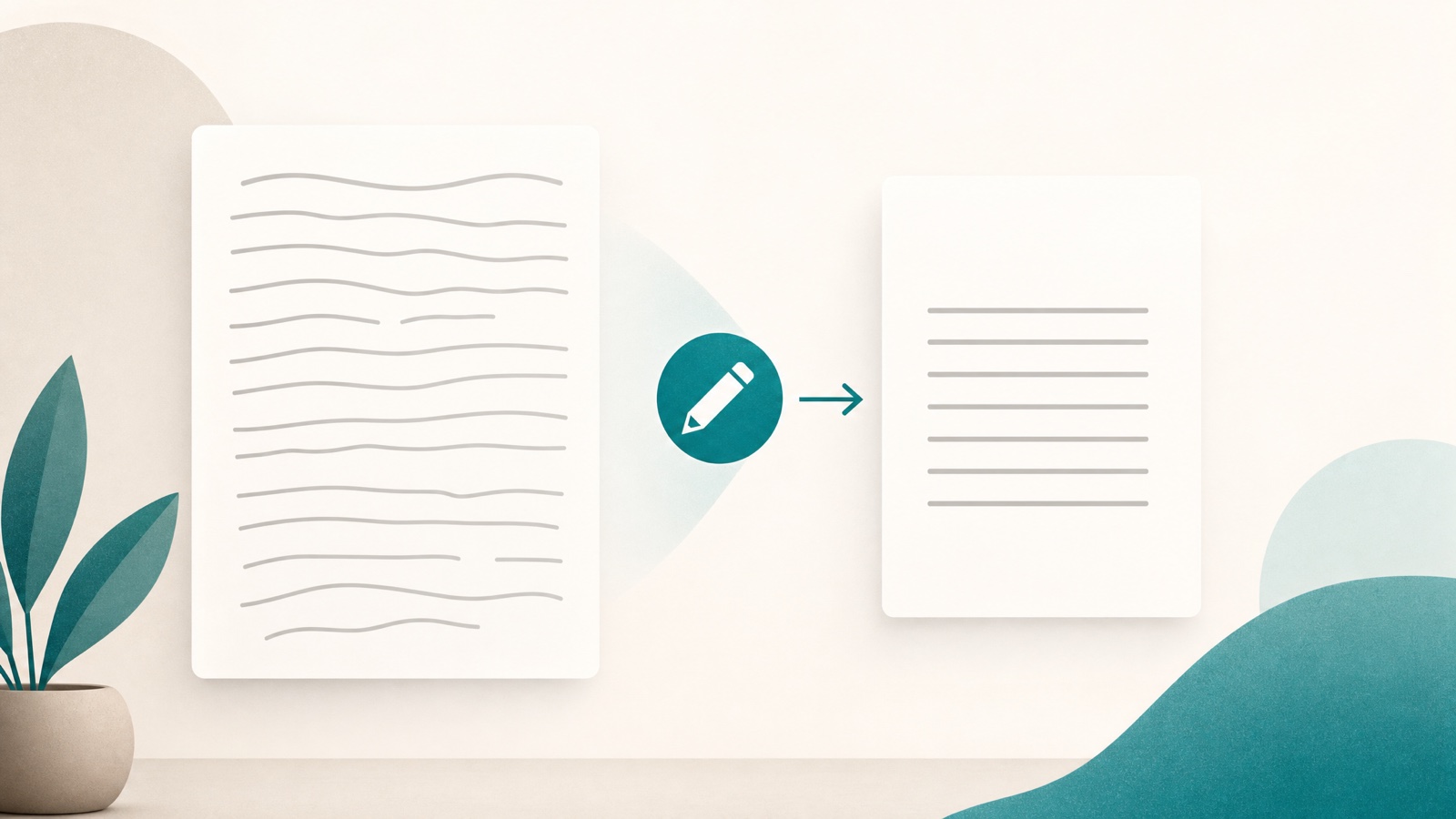
Shorten, clarify, change tone, fix mistakes, and translate. With example prompts, this guide shows how to take a piece of text you already have and shape it into what you want in VIGPT.

Deep Think makes the model work a hard problem through several passes before it answers. Here's when that pays off, when it's overkill, and how to switch it on.

One shared wallet, a dedicated plan for each member, and one console to manage everyone. This guide walks through setting up an organization workspace in VIGPT, step by step — from requesting one to assigning member plans.

One shared Toman wallet, a separate plan for each member, and chats that stay private. Here's how VIGPT for teams works and who it's for.

Image generation in VIGPT starts from text. This guide shows how to switch to image mode, write a good prompt, pick an aspect ratio, get up to 4 images, and adjust the advanced parameters on Max.